BlueHarvest
The most powerful way to keep your disks clean of macOS metadata.
BlueHarvest automatically removes .DS_Store and ._ AppleDouble files from your USB keys, SD cards, music players, file servers or any non Mac disk. BlueHarvest removes these items as they’re created or modified so you’ll always be metadata free without you needing to lift a finger.
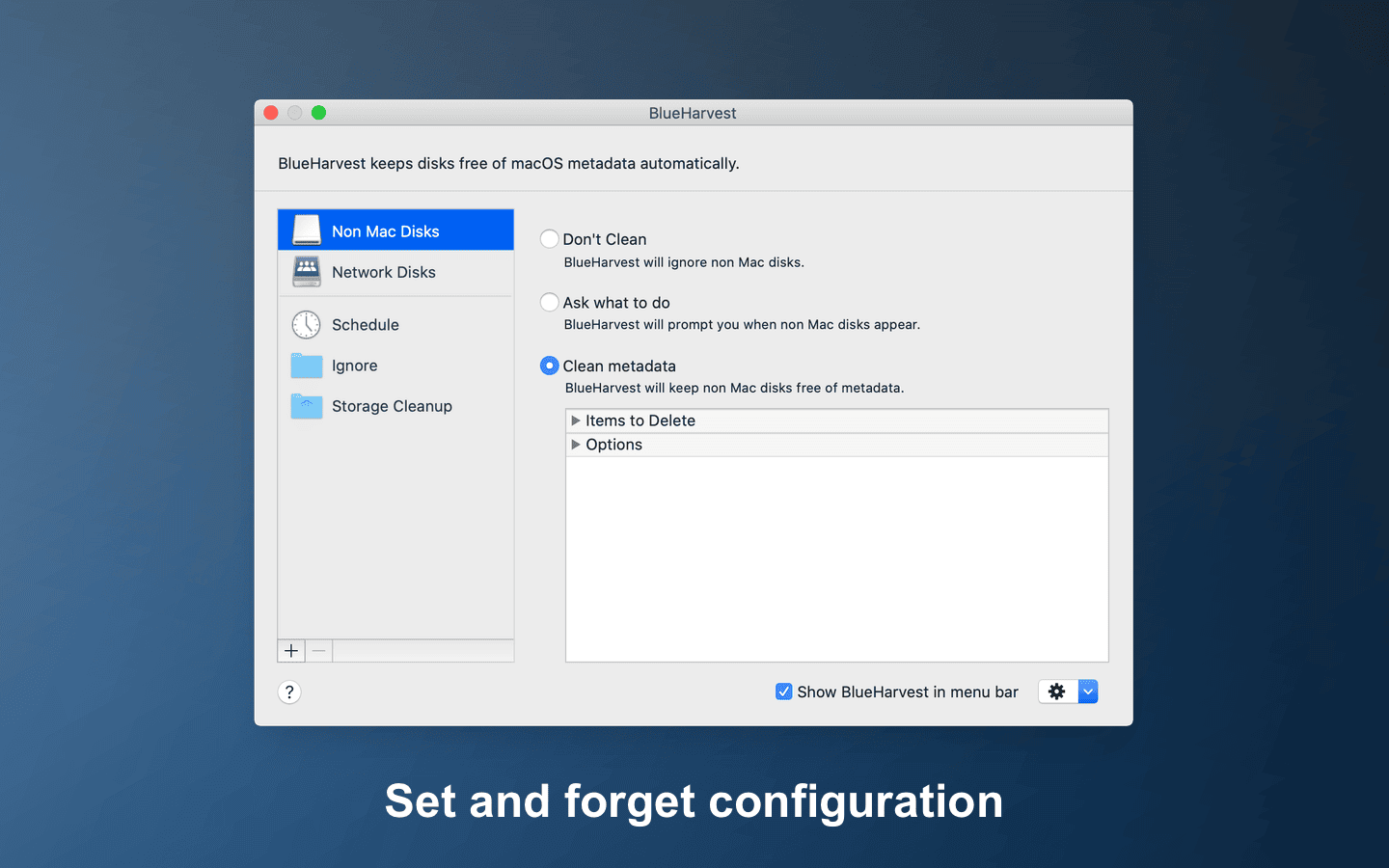
Set it once and BlueHarvest keeps non Mac and network disks free of metadata automatically.
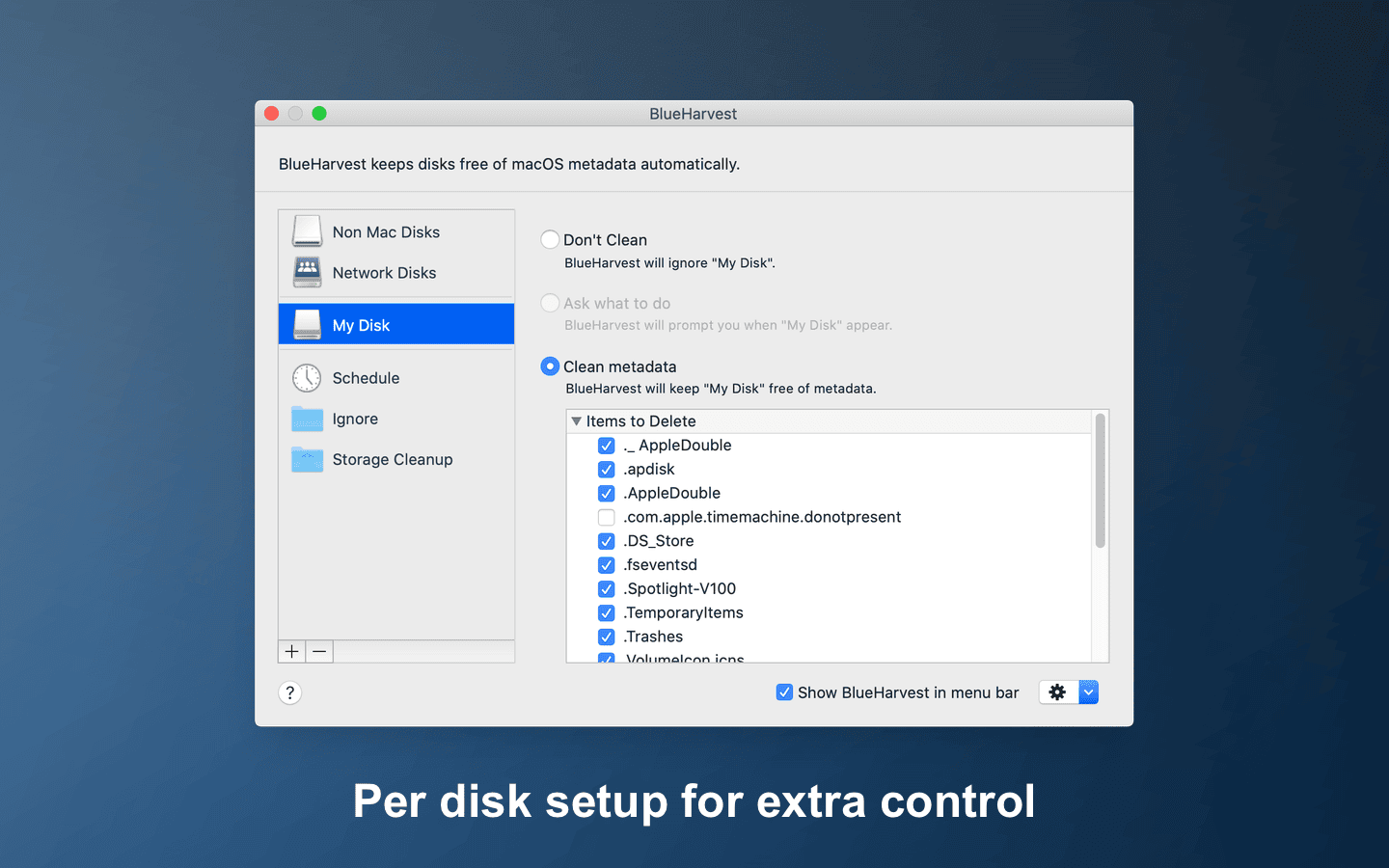
Give individual disks their own settings and choose exactly which metadata gets deleted.
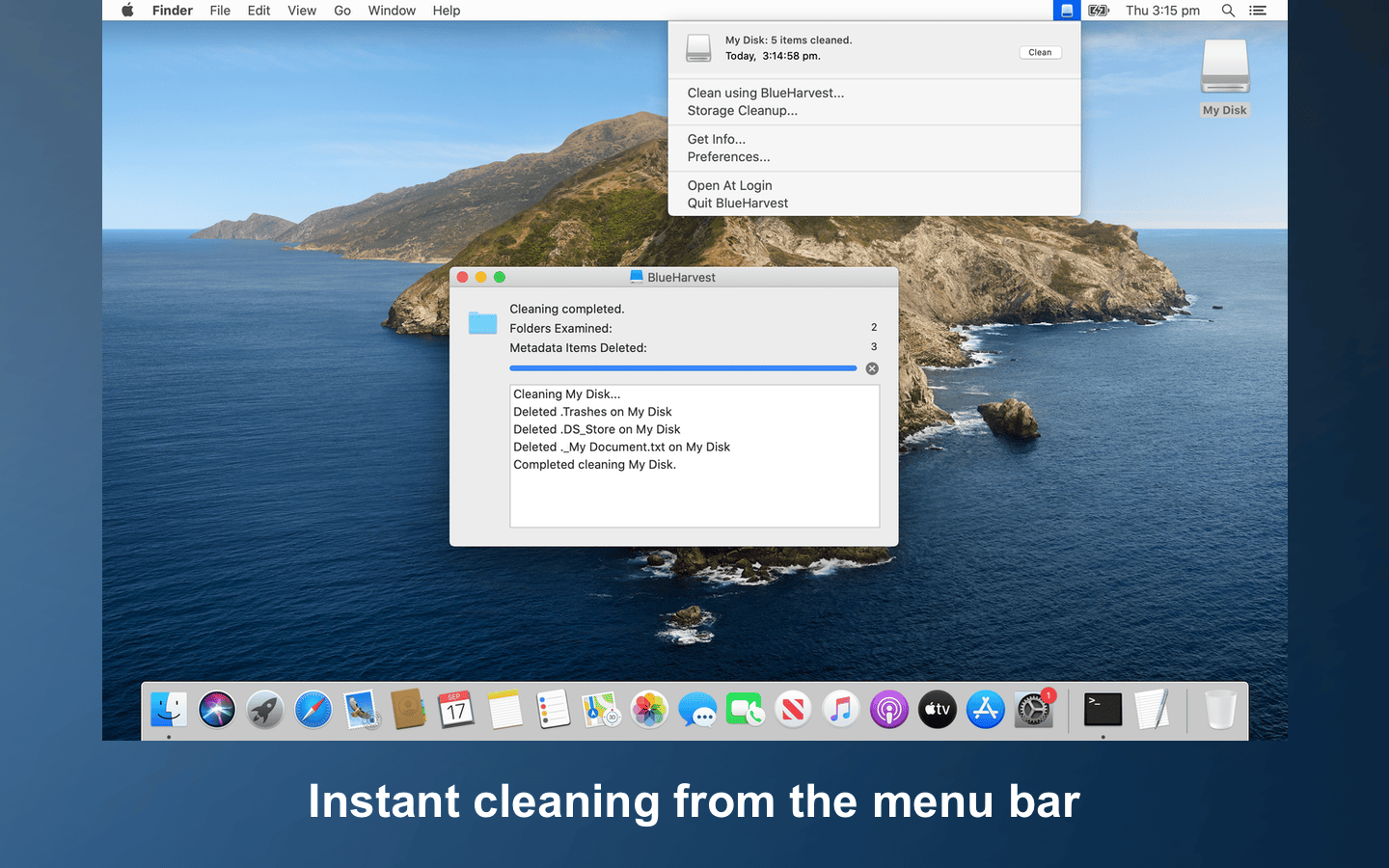
Clean any disk on demand from the menu bar, and see exactly what was removed.
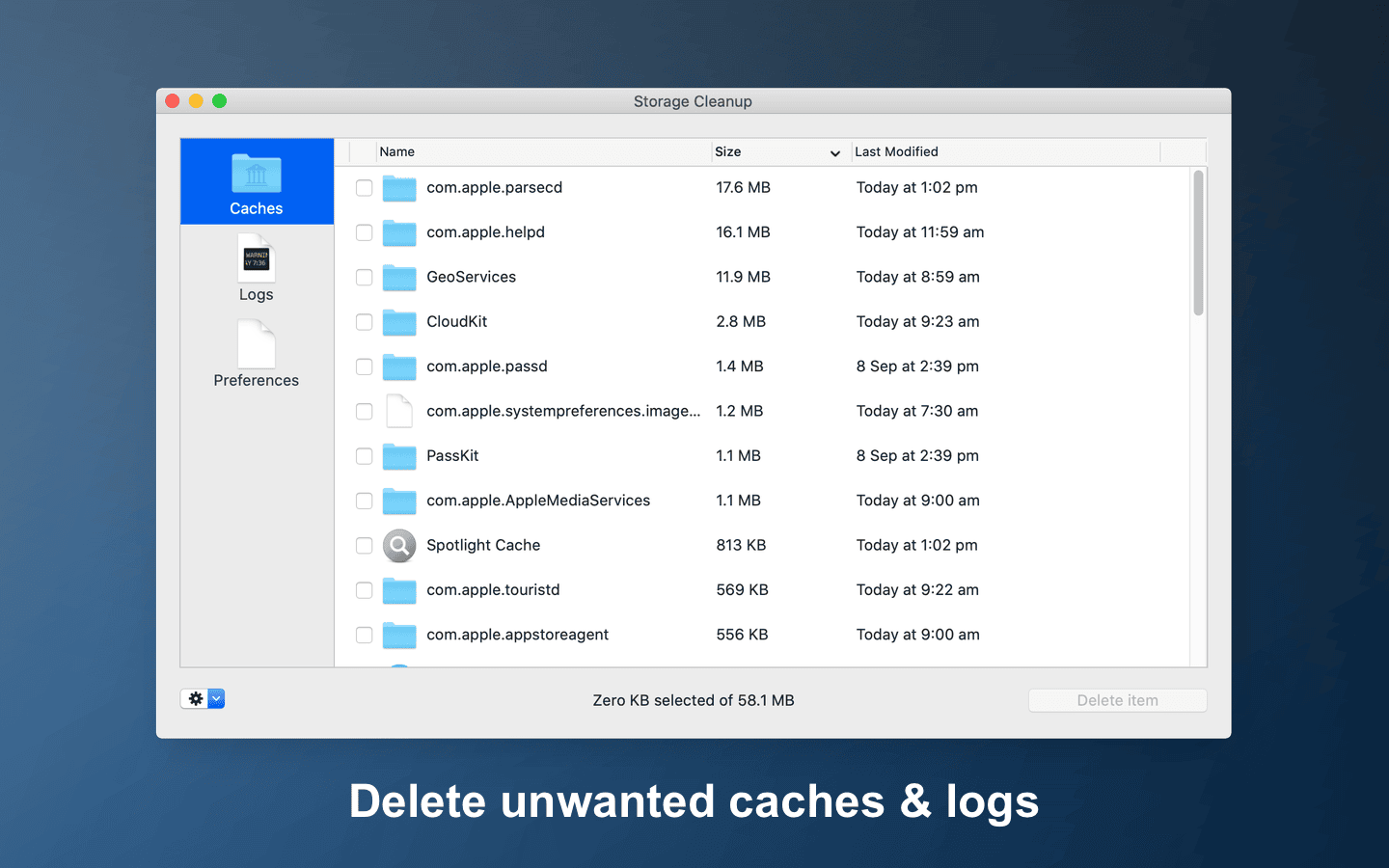
Storage Cleanup shows the caches, logs and preferences taking up space, so you can delete what you don’t need.
Perhaps you need to clean a disk, folder immediately? No problem, simply control-click the disk or folder in the Finder and select “Clean using BlueHarvest”. If you're sending zip archives to non Mac users do the same and BlueHarvest will remove the Mac metadata from the archive too. BlueHarvest's "set and forget" preferences are very simple and yet extremely powerful.
While BlueHarvest is very easy to use, it isn't a toy, so be sure to read the How To and FAQ before installing. BlueHarvest includes language support for Chinese, Dutch, English, French, German, Italian, Japanese, Portuguese, Russian and Spanish.
Reviews
MacWorld, MacFixIt, MacUpdate, Versiontracker, MacOSXHints, iusethis.com, Low End Mac.
WARRANTIES AND DISCLAIMER
Free 30 day trial - Full Version
Download NowSupports macOS 10.15 to macOS 26 Tahoe.
See release notes for older versions.