

Combine more than a dozen search criteria: name, date, size, tags, file contents, and more, in plain English or with powerful boolean queries. Then act on the results with QuickLook, scripts, and Shortcuts. No Spotlight required.
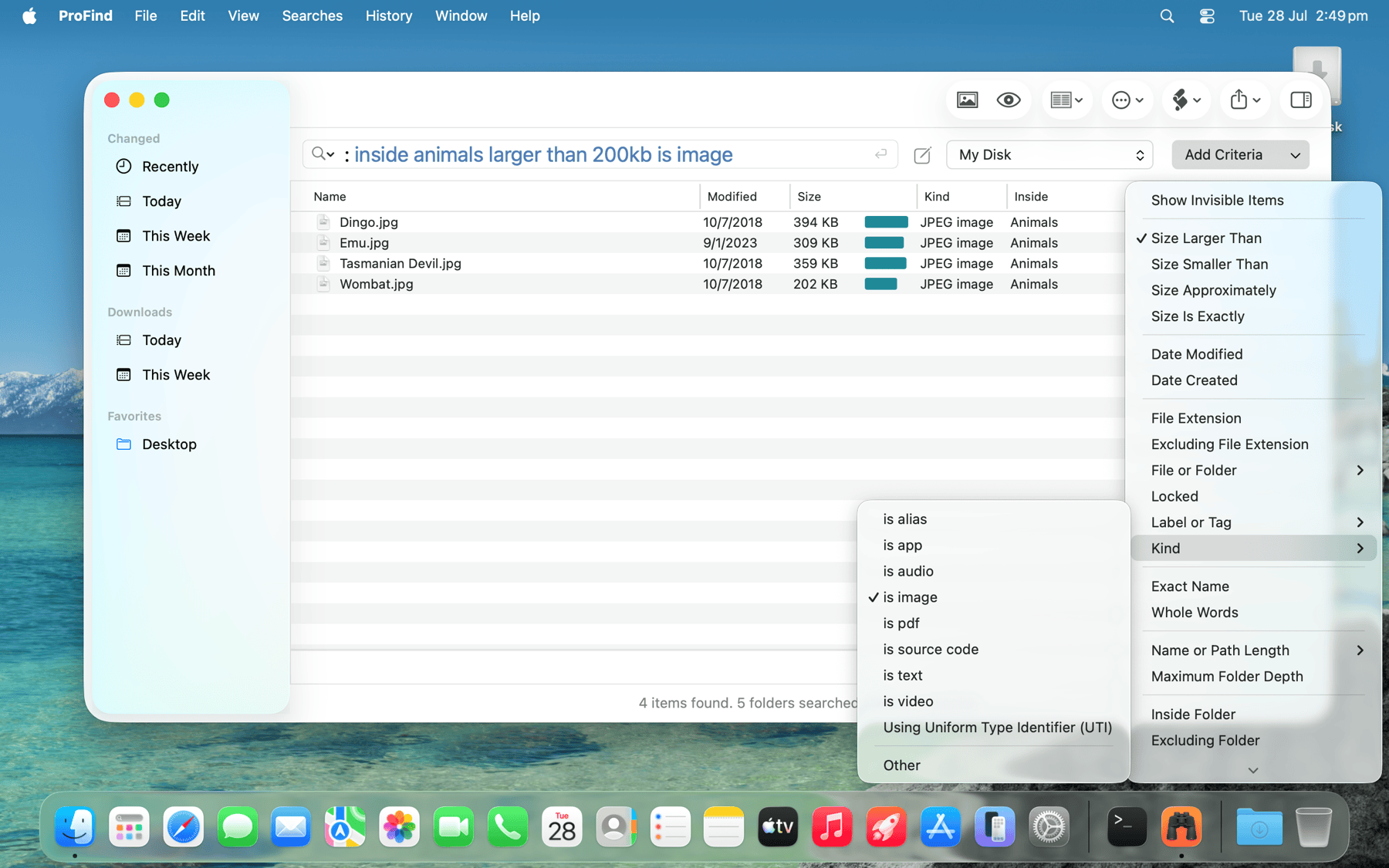
Search in plain English, with autocompletion for commands and keywords.
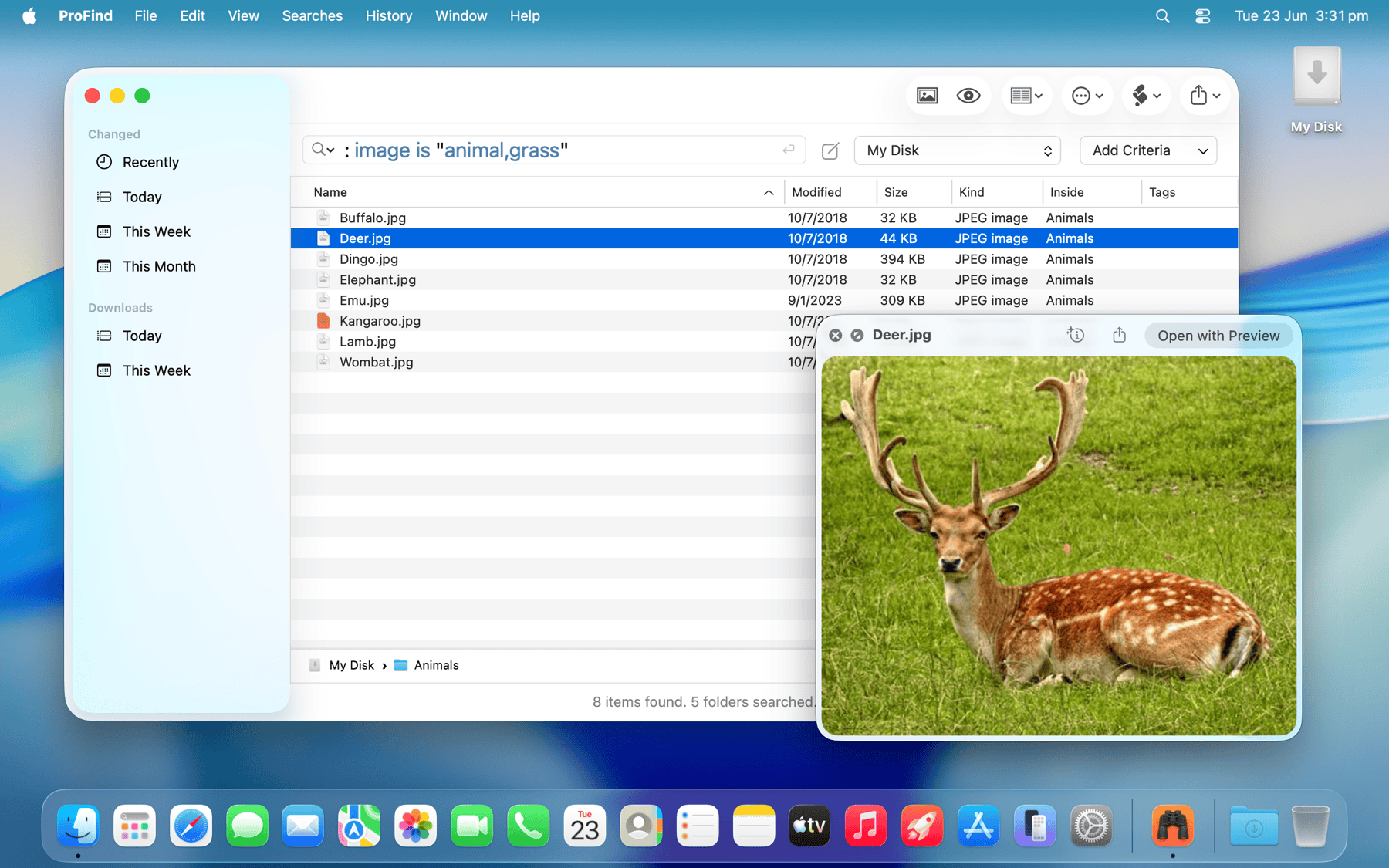
Image Recognition finds photos by what's in them, all on-device.
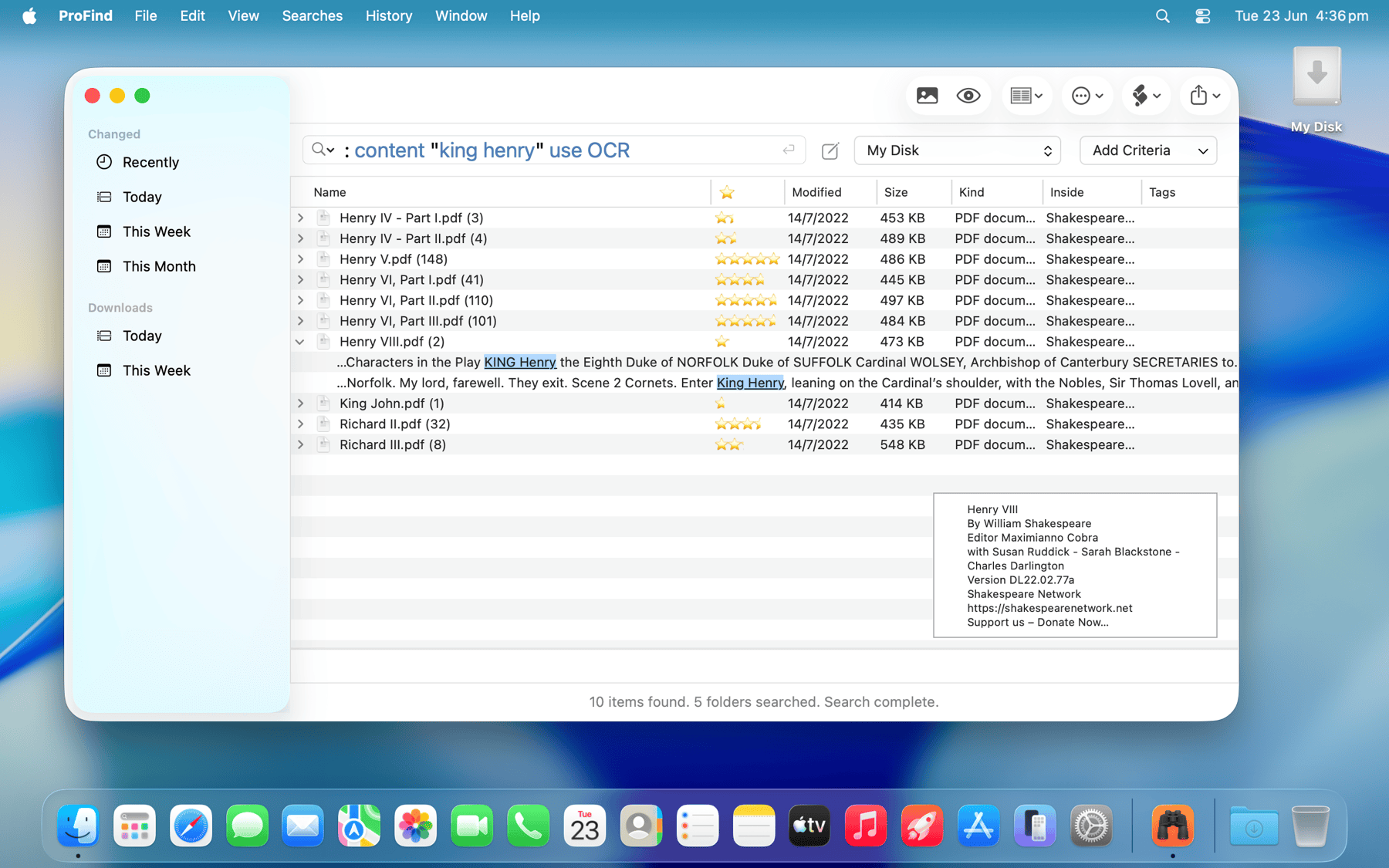
Search the text inside files, including PDFs, with matches highlighted.
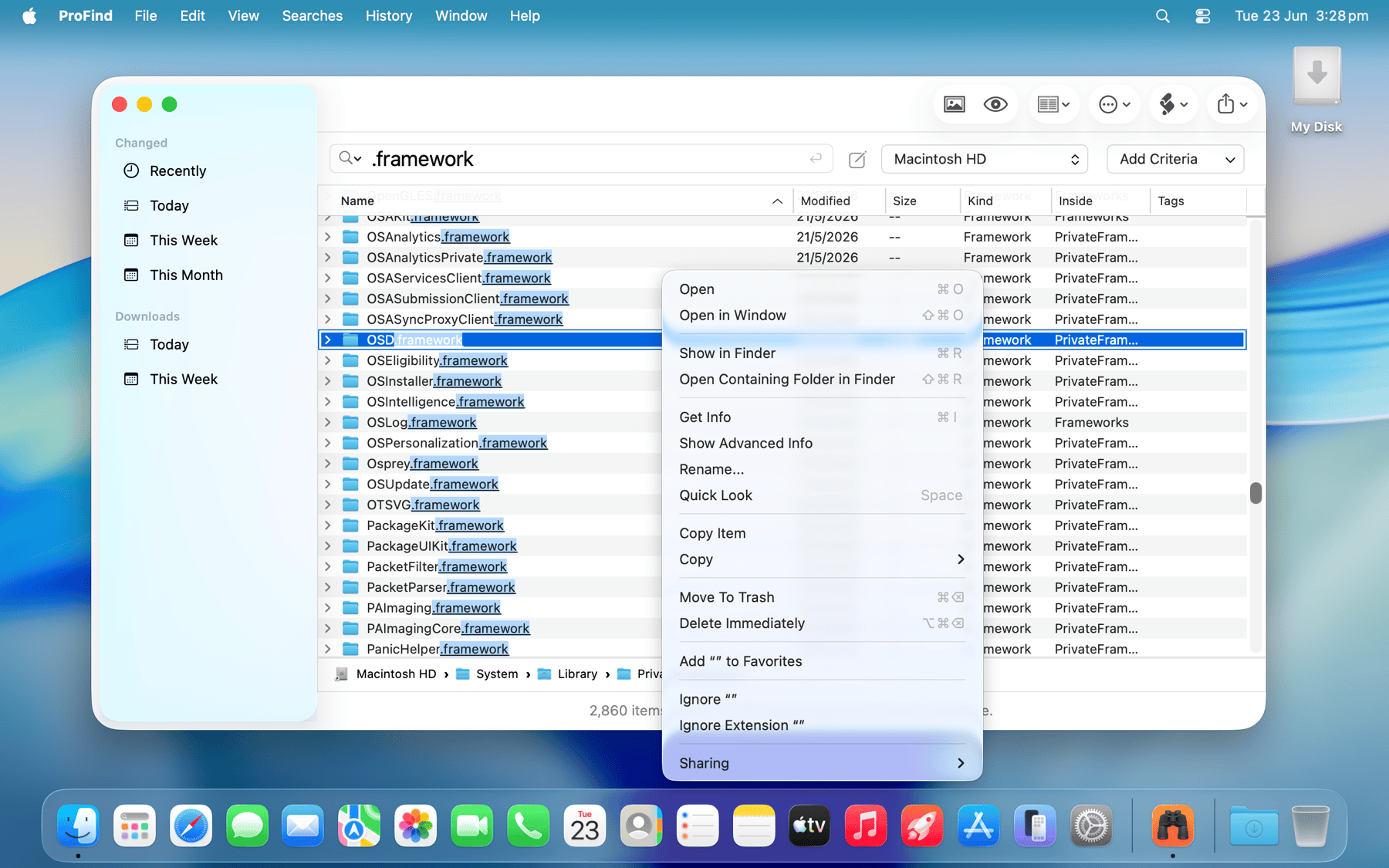
Search invisible folders and packages, then act on the results.
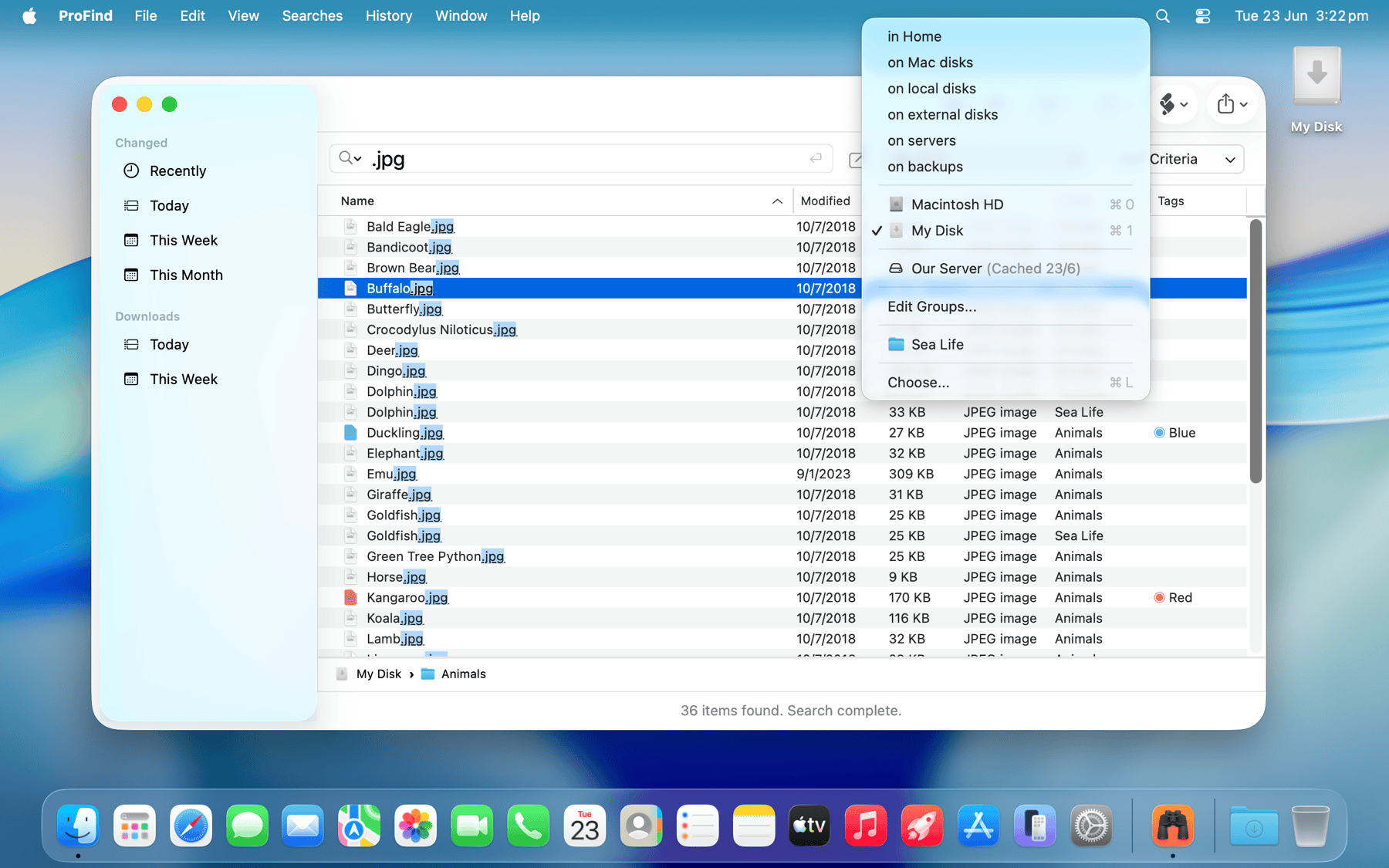
Search any disk, even cached ones that are currently disconnected.
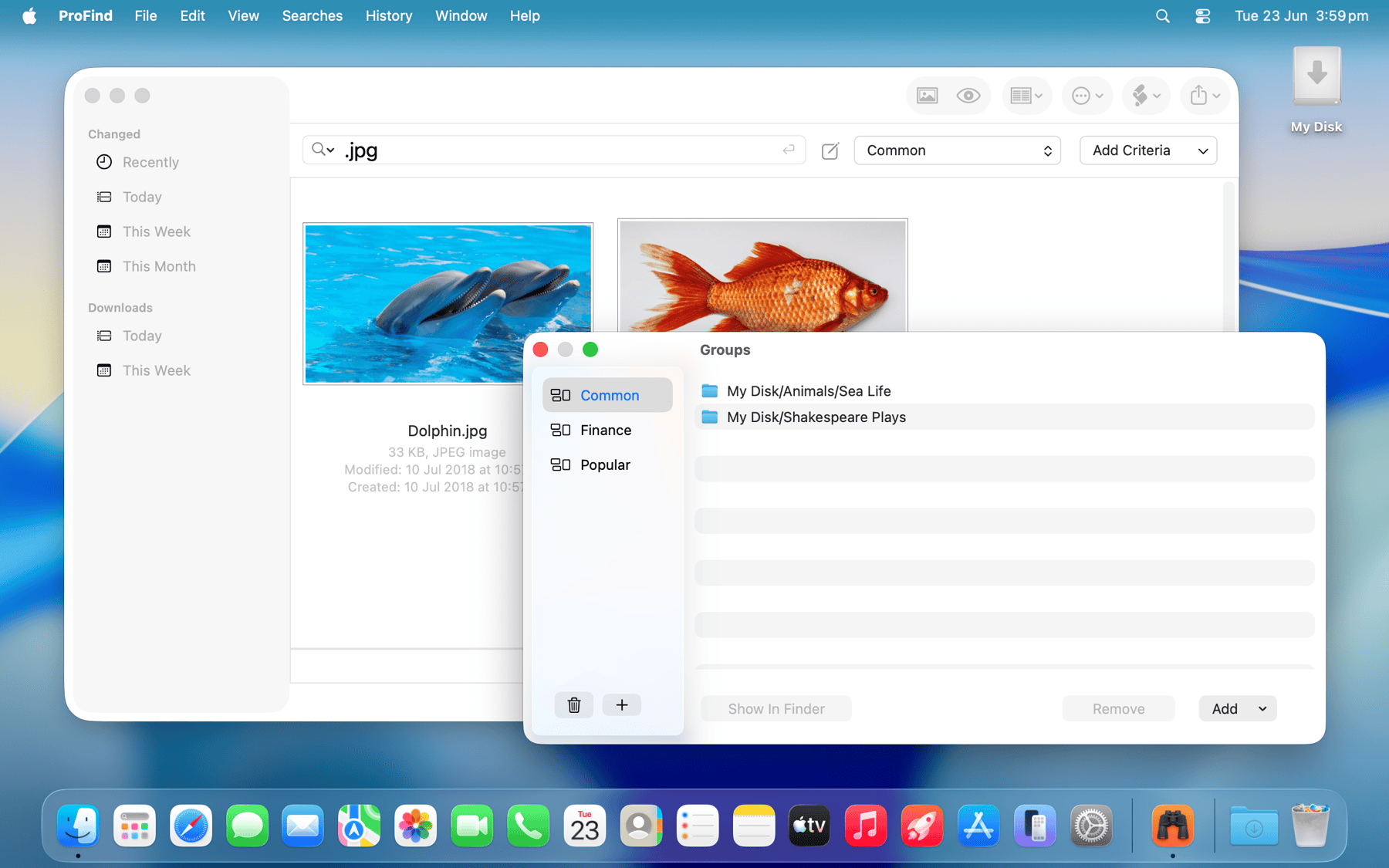
Group folders together and browse results in a large-icon view.
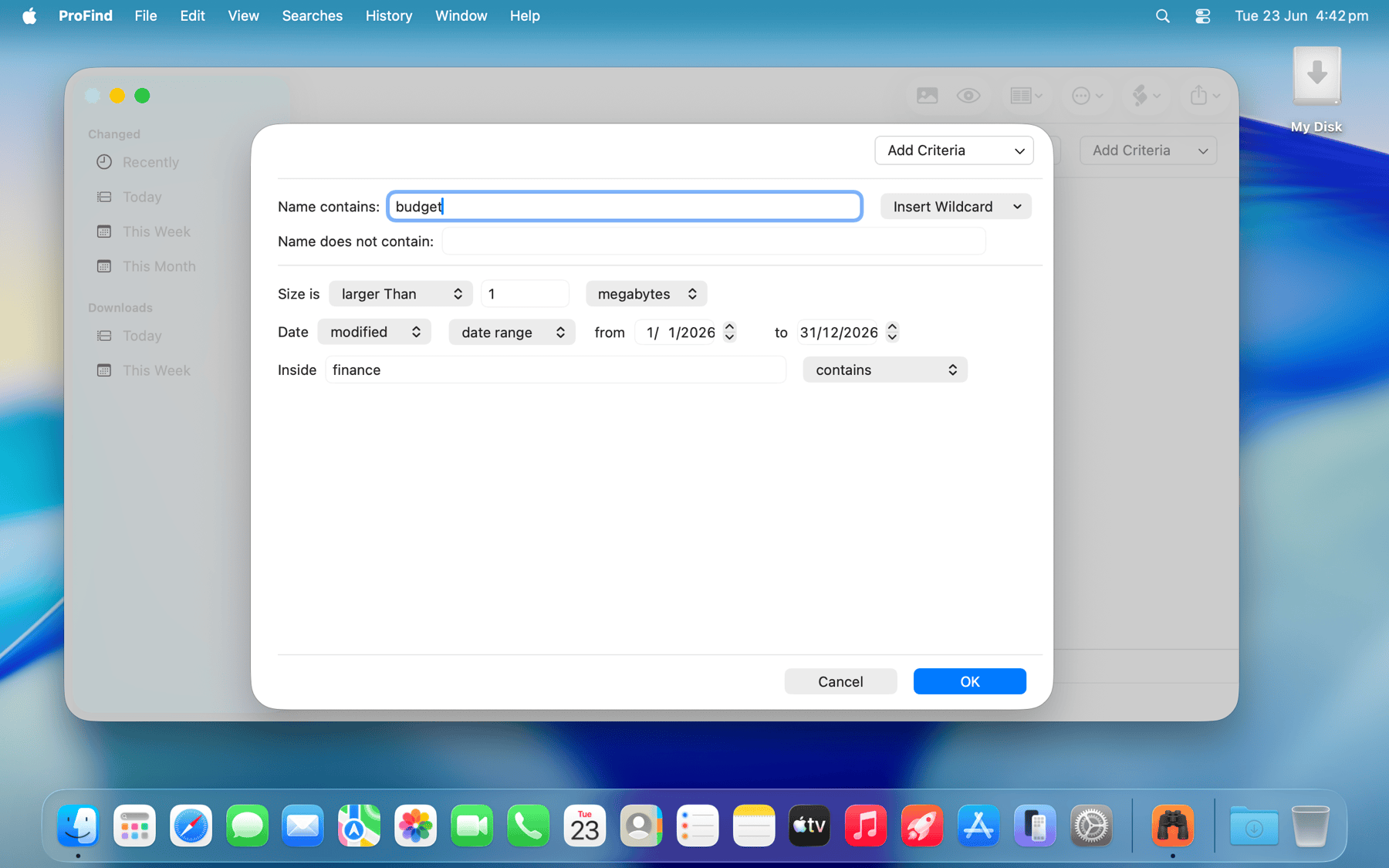
Build complex boolean queries visually with the editor.
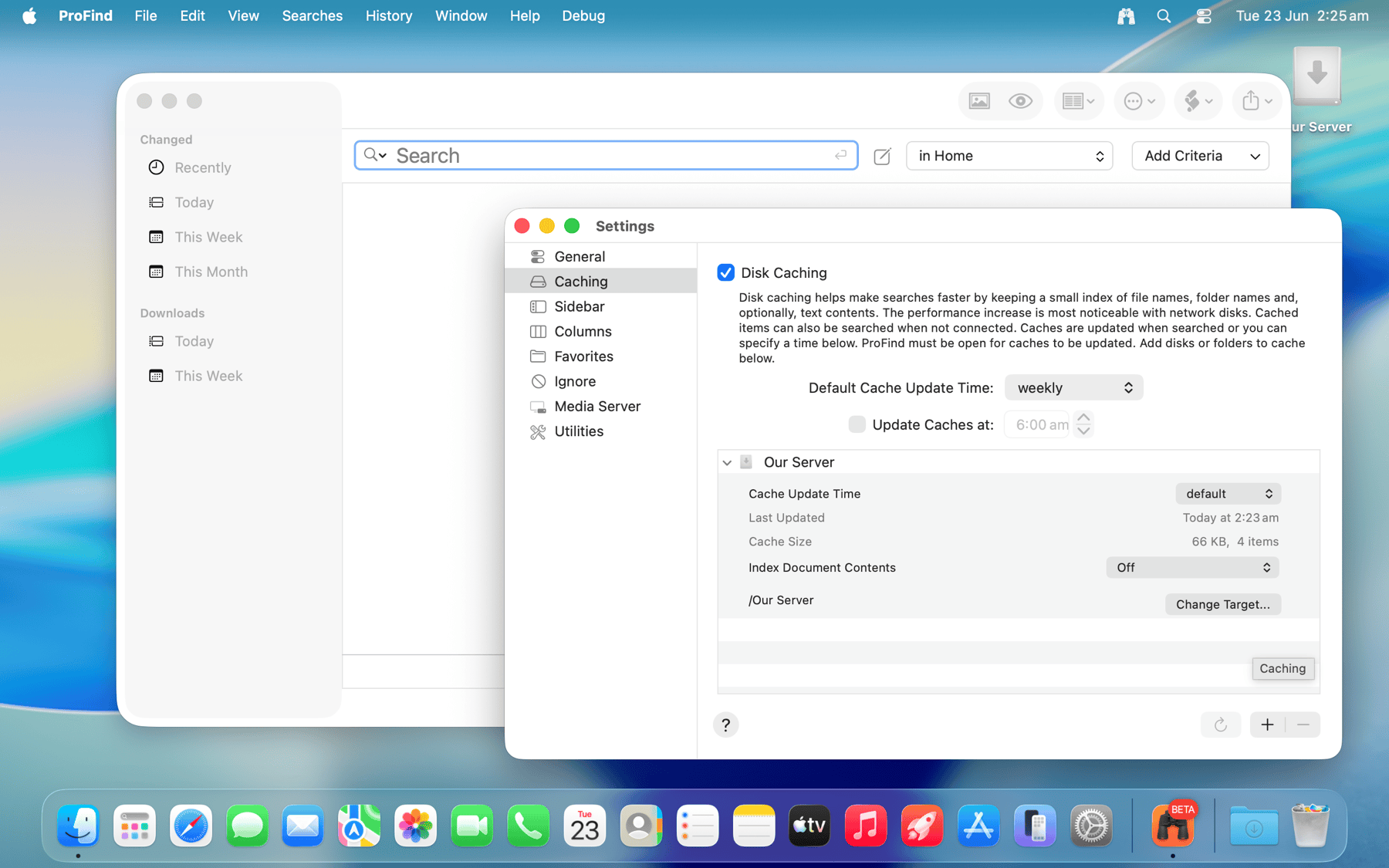
Optional disk caching speeds up searches, especially on network drives.
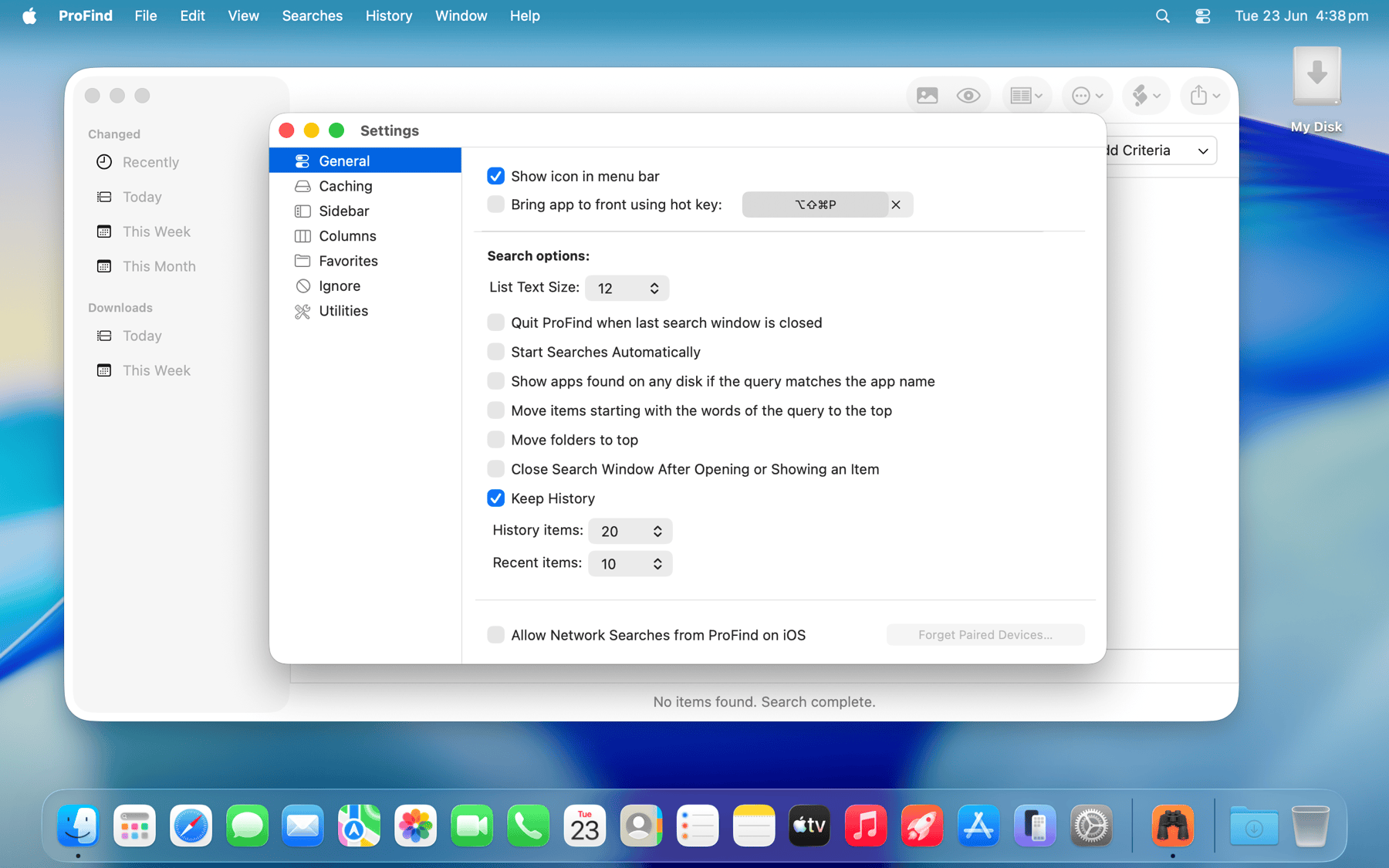
Fine-tune ProFind to work the way you want.
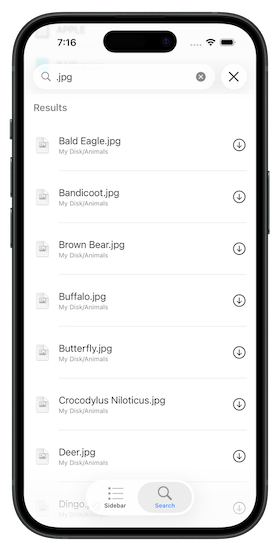
The free companion iOS app lets you search your Mac from your iPhone or iPad, then preview, download and share the results with other apps. Everything runs over an encrypted connection on your local network. Requires ProFind for Mac.
Feature List
- Natural language search queries with autocompletion for commands, keywords and application names.
- Text content search inside files, including PDF, Word, RTF documents, with optional OCR for image-based and scanned files.
- Search inside and browse zip and tar archives.
- Boolean logic: combine words and commands with and / or / not and parentheses for grouping.
- Live Directory: browse the file system straight from the search field, with live updating as files change.
- Spotlight not required (except for Spotlight metadata searches).
- Optional disk caching indexes file names, sizes and dates for even faster searches, especially on network disks, and lets you search disks even when they are disconnected.
- Searches any disk type: Mac, Windows, servers, network volumes and more.
- Searches inside invisible folders and packages.
- Search locations: home, Mac disks, local disks, servers, individual disks, or open Finder folders.
- Search by name, creation and modification date, file extension, tags, parent folder, kind, size, regex, wildcards and Spotlight metadata.
- Natural-language date and size commands (e.g. modified this year, bigger than 1mb).
- Image Recognition: find photos by their visual content using on-device machine learning (macOS 12 or later).
- Exclude (-) words and whole-word, exact-name and case-sensitive matching.
- Run shell scripts, AppleScripts and macOS Shortcuts on found items.
- Save searches and revisit them, with full search history.
- Export results to text or CSV.
- Hashes: md4, md5, sha1, sha224, sha256, sha384, sha512 (Show Advanced Info).
- Full, non-obscured display of file paths with path-difference highlighting.
- Customisable result columns, relevance ranking and a large-icon view.
- Highlighting of matched words in results.
- Built-in command reference and ready-to-use query examples.
- Optional menu bar icon and a fully configurable system-wide hot key.
- Supports Dark Mode.
Example Queries
Type any of these right into the search field. The words before the colon match the file or folder name; the language after it refines the search. If you prefer you can use the visual query editor to build queries.
: today is audiosummer miami : is videoreports : modified in 2016.m4v : bigger than 10mb.jpg : tag redcat : is image inside animalsinvoice OR receipt : after 2023holiday -work : is videoreport : modified this month AND bigger than 5mb.key OR .pptx : modified this yearbudget : content "Q4 forecast" all wordsmanual : is pdf inside Documentsvacation : image is "beach,palm tree"receipts : content "total" without "draft"invoice (2023 OR 2024) : is pdfphotos : image includes "dog,cat" smaller than 2mb
Version v1.41. Requires macOS 11 or later.
Download your free 14-day trial version below.
Download Now Buy Direct $US6.99or...
